
STL files are 3D printing design files. A slicer, like Cura converts them to gcode files for the selected 3D printer.
If you want to edit an STL file
Install FreeCAD
- Install FreeCAD from FreeCAD download
Install the Detessellate add on
- Start FreeCAD
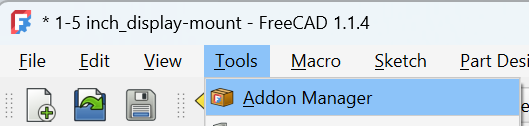
- In the Tools menu select Addon Manager
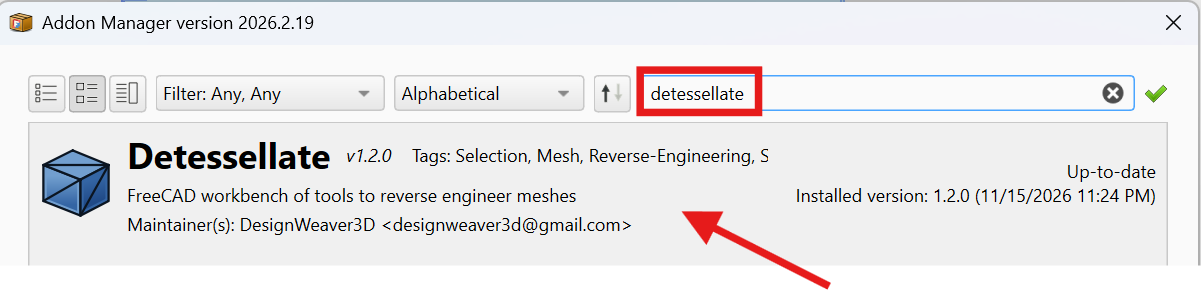
- Enter detessellate into the search field and select the Detessellate addon
- Restart FreeCAD
Convert the STL file in FreeCAD
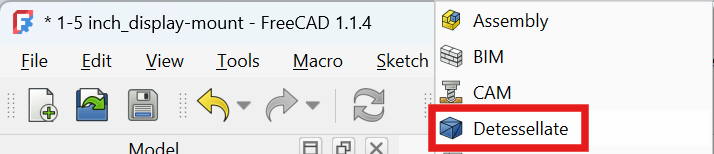
- In FreeCAD click the Workbench selector

- Switch to the Detessellate workbench
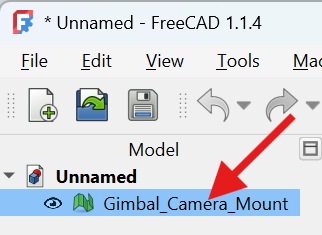
- In the tree select the mesh body
- In the toolbar click the Mesh to body icon
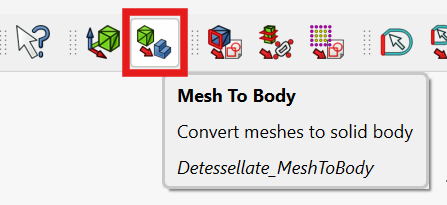
- It automatically converts, refines, and places the object inside a Part Design Body.
