
To determine how much memory the Azure Container App needs, we can use the Metrics feature. To monitor the resource usage
- Log into the Azure Portal at https://portal.azure.com
- Open the Container Apps page, and select the application
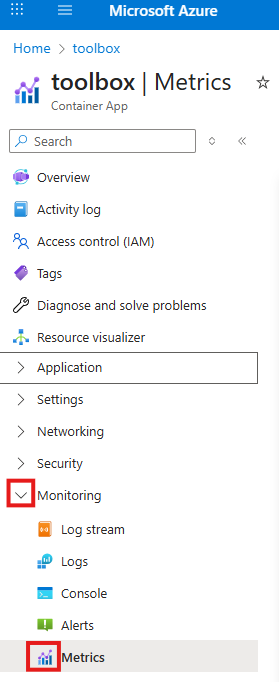
- On left in the Monitoring menu select Metrics
- Click the Add metric button and select the Memory Working Set Bytes and Max value

