Skip to content
Pinter Computing

Knowledge Base for IT Professionals, Teachers, and Astronauts

Pinter Computing

Knowledge Base for IT Professionals, Teachers, and Astronauts

  • Home
  • Programming
  • DevOps
  • Project Management
  • Software and Hardware
  • Miscellaneous
  • Egyebek
  • About
  • Experience
  • Education
  • Contact
  • Home
  • Programming
  • DevOps
  • Project Management
  • Software and Hardware
  • Miscellaneous
  • Egyebek
  • About
  • Experience
  • Education
  • Contact
Close

Search

Home/Java/Configure NetBeans for Java Web development
JavaJavaMVCSpring MVCWeb development

Configure NetBeans for Java Web development

By Laszlo Pinter
September 16, 2017 2 Min Read
0

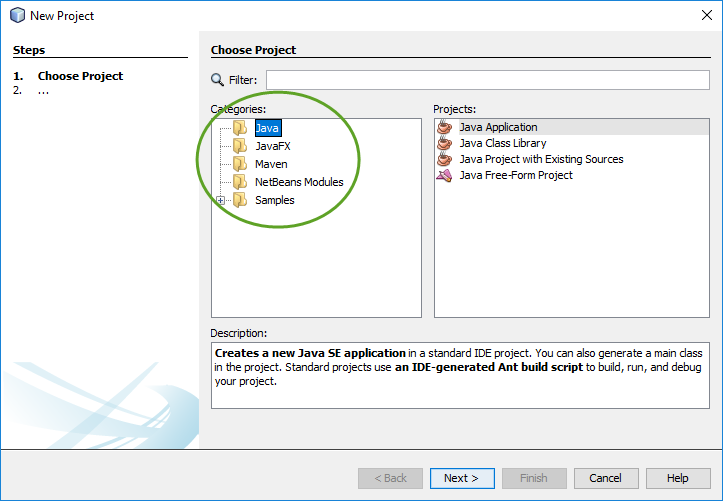
The base installation of NetBeans does not include the web development category.
 

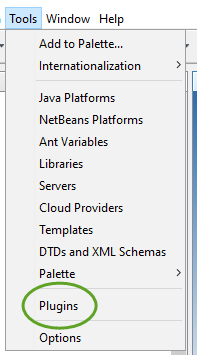
To add the Java web development tools to NetBeans

  1. Start the NetBeans IDE,
  2. In the Tools menu select Plugins,
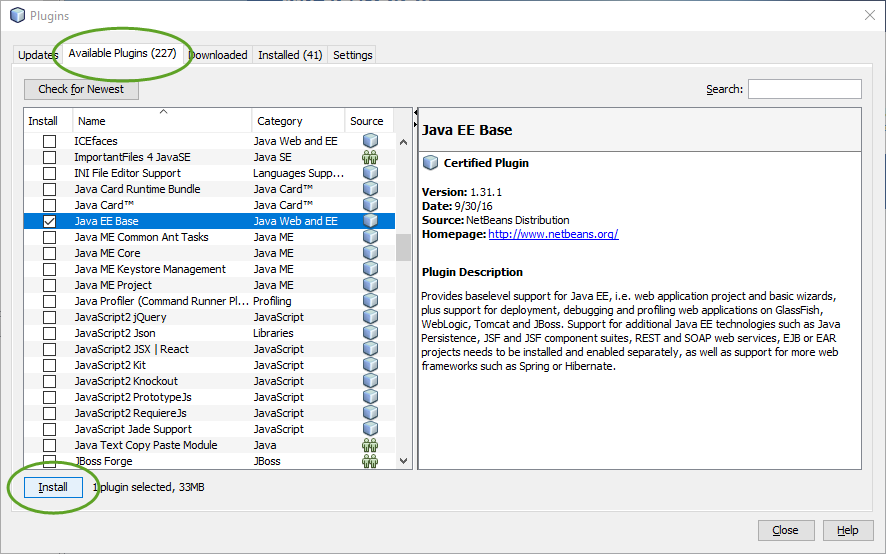
  3. On the Available Plugins tab select the Java EE Base plugin and click the Install button,
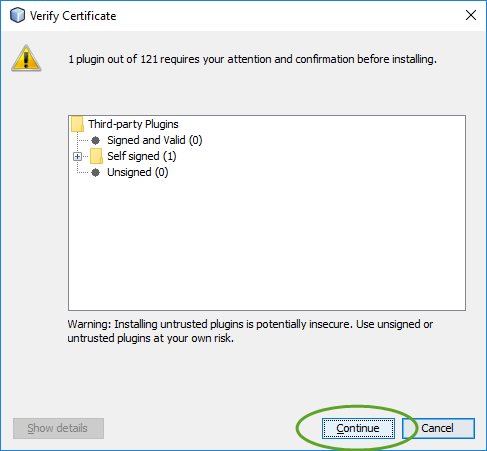
  4. If any of the installed plugins is missing the valid signature, you need to click the Continue button to allow the installation,
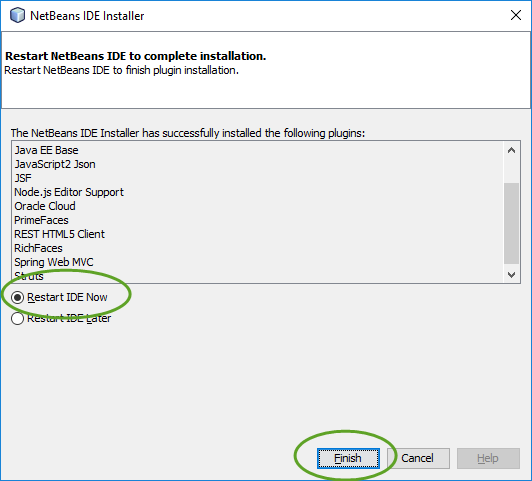
  5. For the plugin installation, you need to restart the NetBeans IDE,
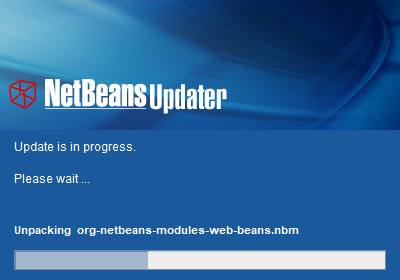
  6. During the next start, NetBeans installs the new plugins,
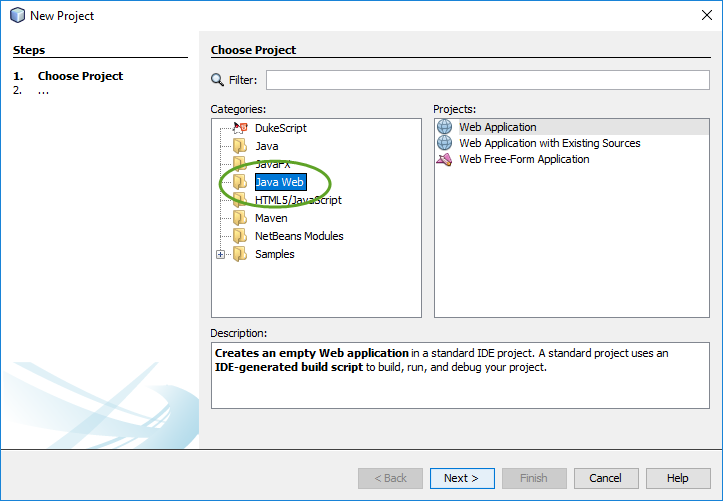
  7. The Java Web category is now available.
Tags:

JavaSpringMVCwebapp
Author

Laszlo Pinter

Follow Me
Other Articles
Previous

Create the AWS credentials file from a Chef Data Bag

Next

Start a new Spring MVC Java Web application development in NetBeans

No Comment! Be the first one.

Leave a Reply Cancel reply

Your email address will not be published. Required fields are marked *

Search

Last Changes

  • Building Happy, the AI hardware robot November 12, 2026
  • Happy, the AI hardware robot – speech to text November 12, 2026
  • Happy, the AI hardware robot - the touch - metal plate November 11, 2026
  • Happy, the AI hardware robot – the neck – servo motor November 11, 2026
  • Happy, the AI hardware robot - the ears - microphone November 11, 2026

Tags

.NET .NETcore 3Dprinting AI AWS C# Chef cloud DevOps Docker EntityFramework Games Git Go iOS iPad iPhone iPod Java Kubernetes Linux MacOSX MSSQL MVC MySql Node.js Packer PowerShell Python RDS Ruby security Splunk storage TeamCity Terraform TestKitchen Tomcat Ubuntu Vagrant VirtualBox VisualStudio Windows WordPress Xcode

Recent Comments

  • Laszlo Pinter on Turn off the built in touchpad when a mouse is attached
  • Kenneth Bush on Turn off the built in touchpad when a mouse is attached
  • Zengei László on MyHeritage családfa exportálása és küldése emailben
  • Raúl Castillo on DynDns update error
  • MICHAEL on Windows Media Player 12 cannot find the album information

–

  • Log in
  • Entries feed
  • Comments feed
  • WordPress.org
Copyright 2026 — Pinter Computing. All rights reserved.