
Figma make can generate web applications with AI assistance. To download and run the generated web application on your local computer
- Open Figma Make
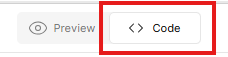
- On the top of the page select the Code tab
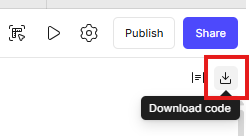
- In the upper right corner click the Download code button
- Extract the downloaded Zip file into a directory
- Install pnpm on your computer. See Install pnpm
- Open a terminal in the root of the application directory structure, where the package.json file is located
- Execute the command in the terminal
pnpm run dev
