If you travel to Japan, these tips can help to make your journey smoother.
Carry some cash
Cash is still very widely used in modern Japan. Some vendors don’t accept credit cards. Even if cards are acepted, many small vendors don’t take American Express
Many parks and gardens only sell tickets for cash. Those are usually 500 JPY for adults.
Suica card
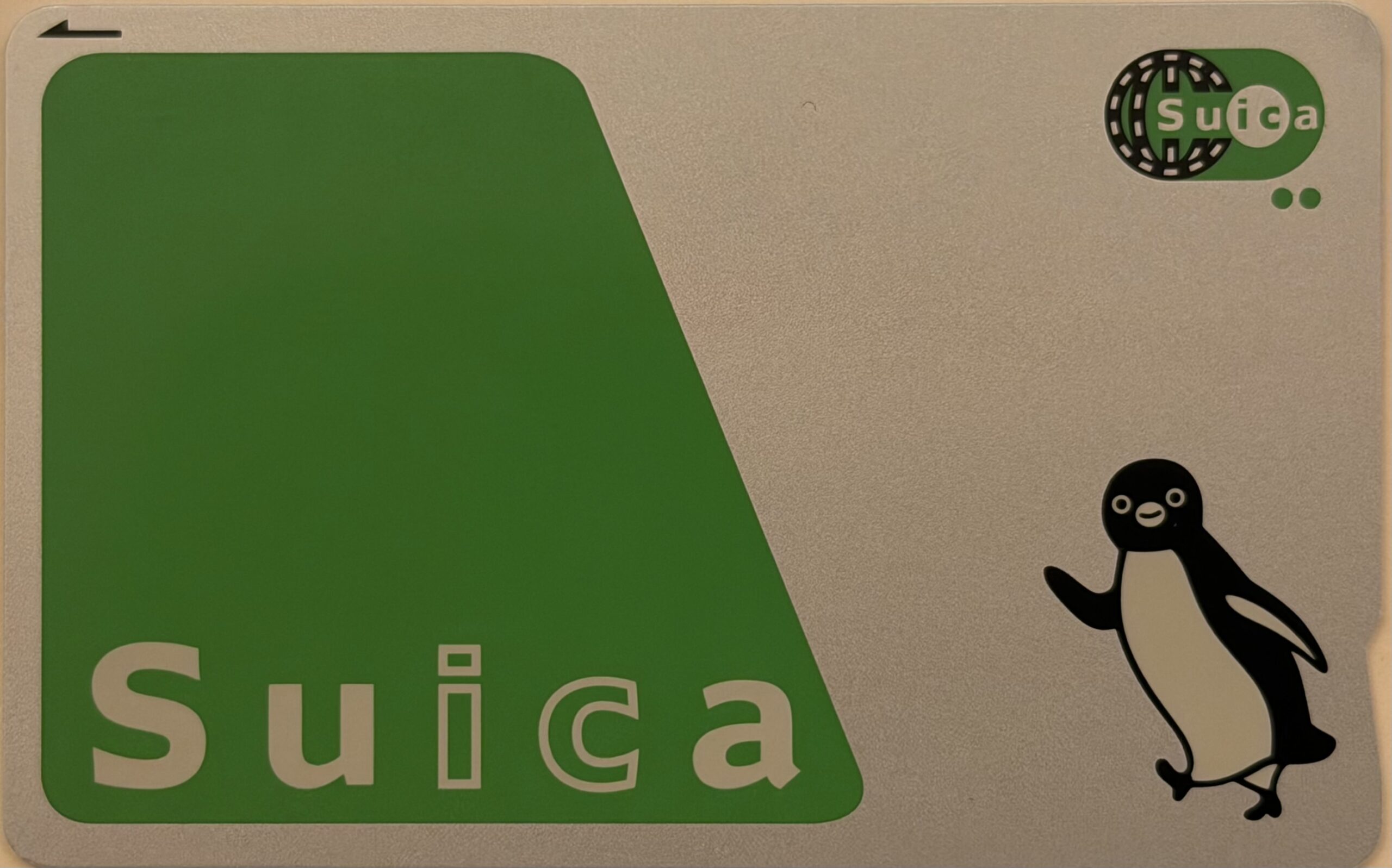
The Suica card is a debit card issued by the East Japan Railway Company (JR East). Through agreements, it is now accepted by the local transportation networks, and many vendors throughout Japan. Get the physical Suica tap card, use the Suica app on your phone, or add a digital Suica card to your Apple Wallet. Android phones purchased outside of Japan do not contain the necessary FeliCa NFC chip, so on those the digital version is currently not supported.
You need 500 JPY cash to buy the Suica tap card at train and subway stations. This allows you to ride the subway and city buses, assign your Shinkansen express train ticket to it, pay for luggage storage lockers, buy some park tickets, and food at the railway and subway stations and airports from vending machines and from food vendors.
If there are remaining funds on your Suica card on the last day, you can spend it at the airport food court and stores.
To get the Suica card
At airports you can get the red Suica Welcome card for free at the information desks, in the city, you can only get the green one for 500 JPY.
At railway stations find the machine with the black sign for Tickets and Commuter Pass
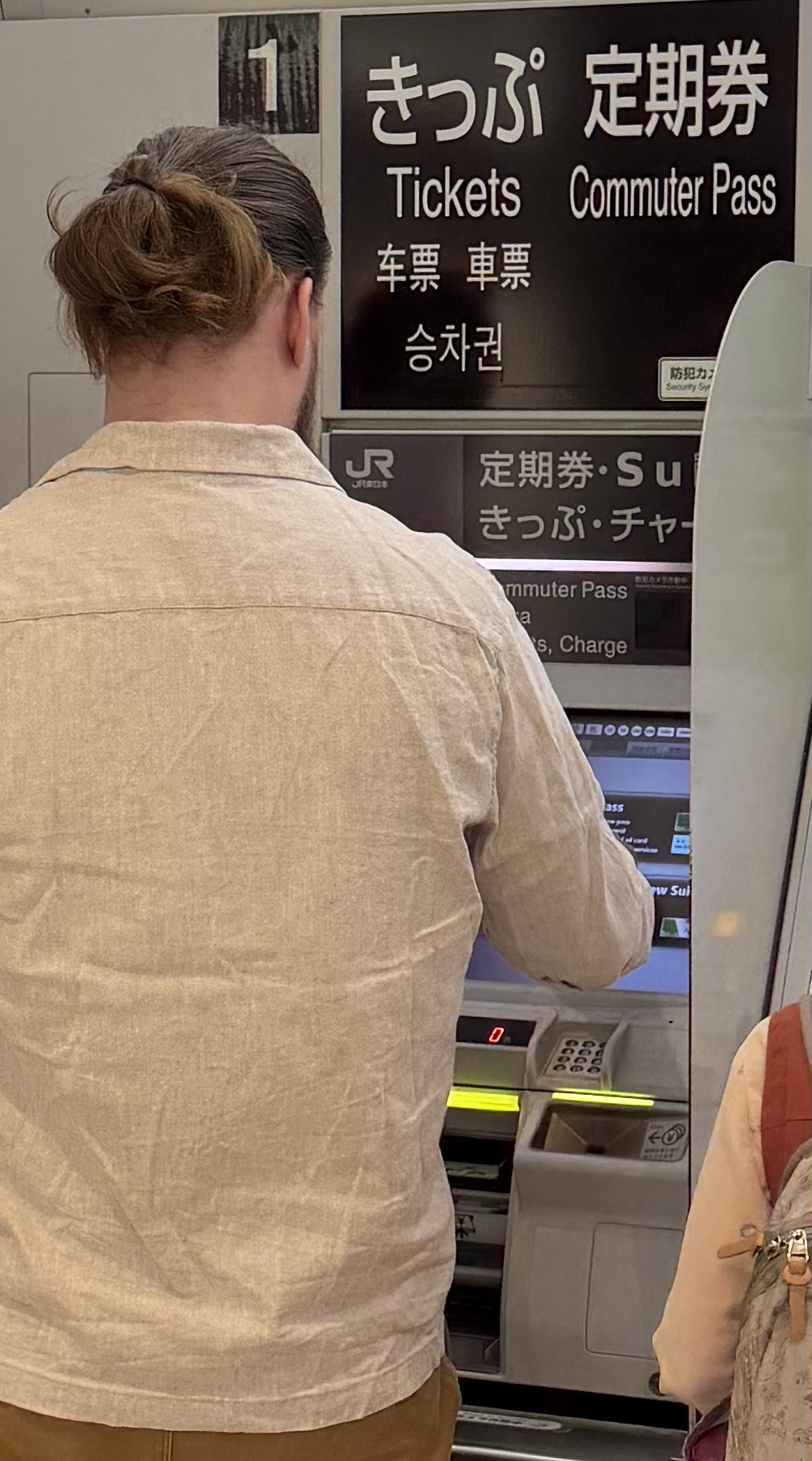
Select the “Blank card” option on the screen, and pay 500 JPY cash to get the plastic card. You cannot use the card fee for travel or purchases. The machines accept larger bills and return the difference in cash, no credit card is accepted. In a separate transaction, charge the card with cash only. A typical subway ride is around 250 JPY, so plan accordingly.
The card fee is refunded when you return the card at the end of your trip.
Check the opening hours
Many parks and gardens are closed on Mondays, some of them, on Tuesdays too.
In the hotel
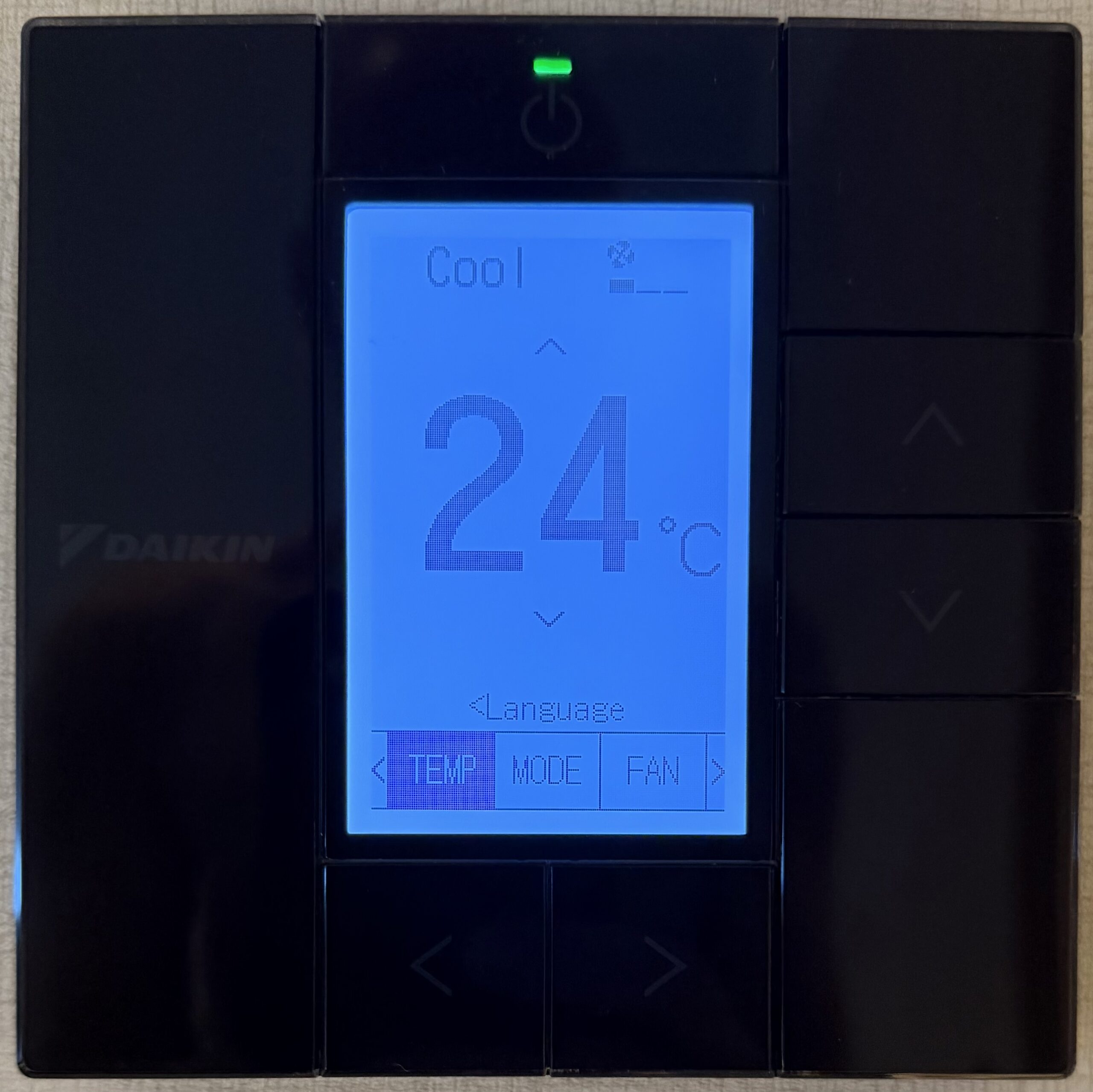
Turn on the thermostat
When you put your key card into the slot next to the door, the lights come up, and the TV turns on, but the heating and cooling is still off. The on/off button is usually on the top of the thermostat. Of course every country outside of the US use the metric system for temperature. Get familiar with the conversion.