
The Azure Container Registry hosts container images for deployment in any of the container hosting services.
Create a new Azure Container Registry
- Log into the Azure Portal at http://portal.azure.com
- In the search bar search for container registry and select Container registries

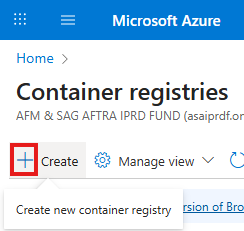
- Click the Create button to create a new Azure container registry
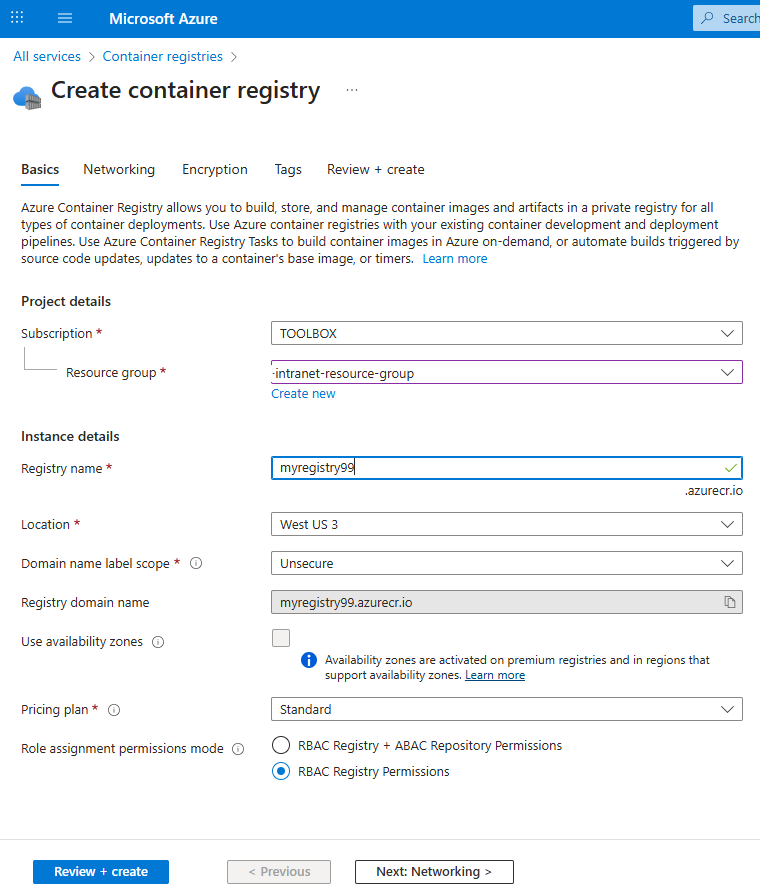
- Set the values and click the Next: Networking button
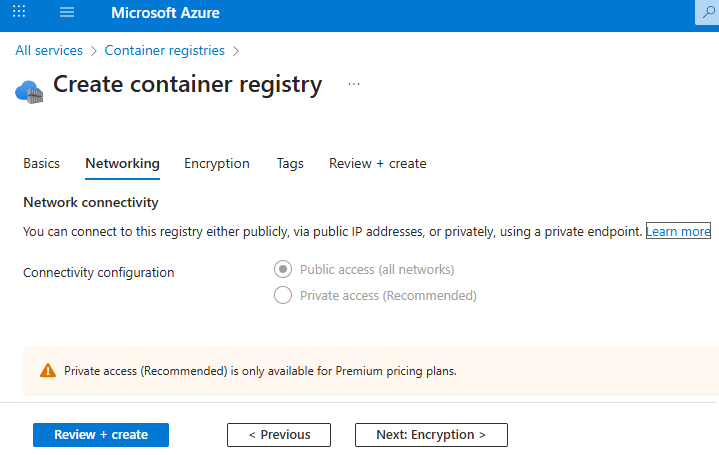
- You need a Premium subscription to set up private access for better security. Click the Next: Encryption button
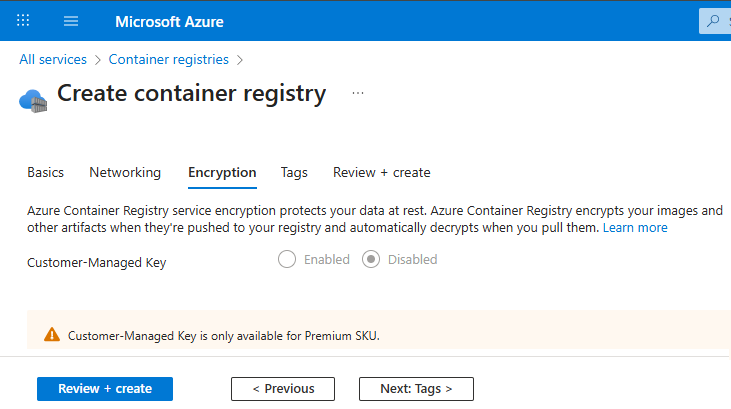
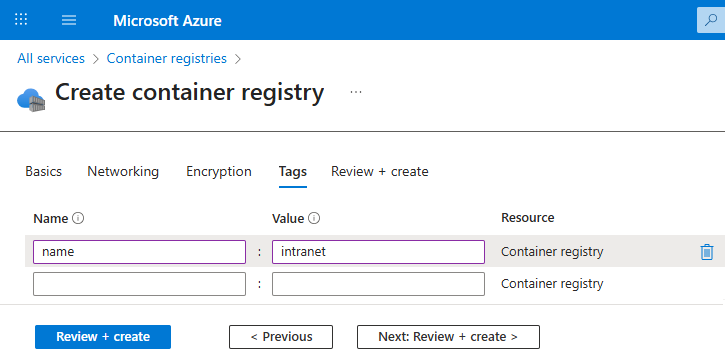
- Encryption is also only available for Premium subscriptions. Click the Next: Tags button
- Set up tags for better cost reporting
- If you want to automate the registry creation in the future, click the Download a template for automation link. Click the Create button to create the registry.

