Azure Container Apps (ACA) run containers in a serverless environment with zero environment maintenance requirement. To deploy a new application in Azure Container Apps follow the steps at Deploy a web application in Azure Container Apps (ACA)
To deploy a new version of the same app in Azure Container Apps
- Log in to the Azure Portal at https://portal.azure.com
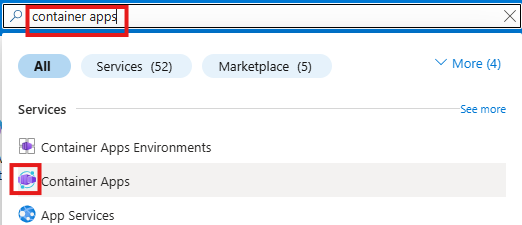
- In the top search bar search for container apps and select Container Apps in the list
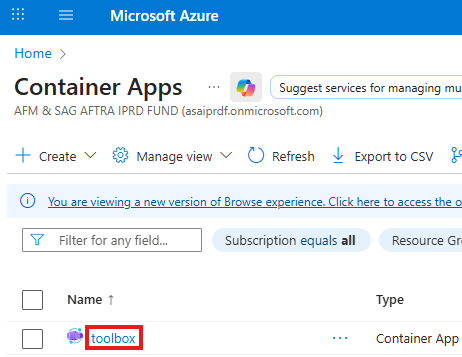
- In the application list click the name of the application
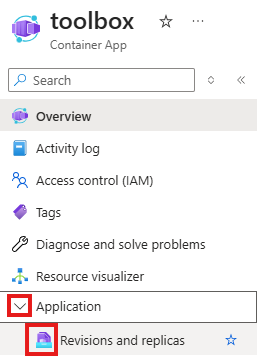
- In the Application menu select Revisions and Replicas
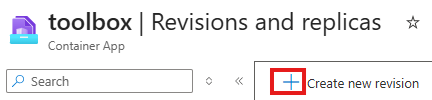
- Click the Create new revision button
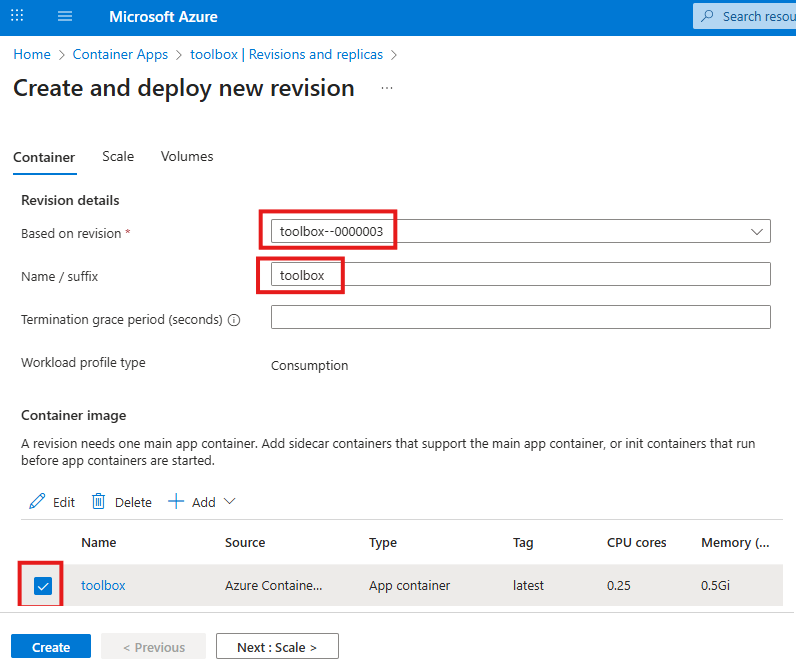
- Select a prior revision as a base configuration, enter a name for the new provision, and select the container image. Click the Next: Scale button
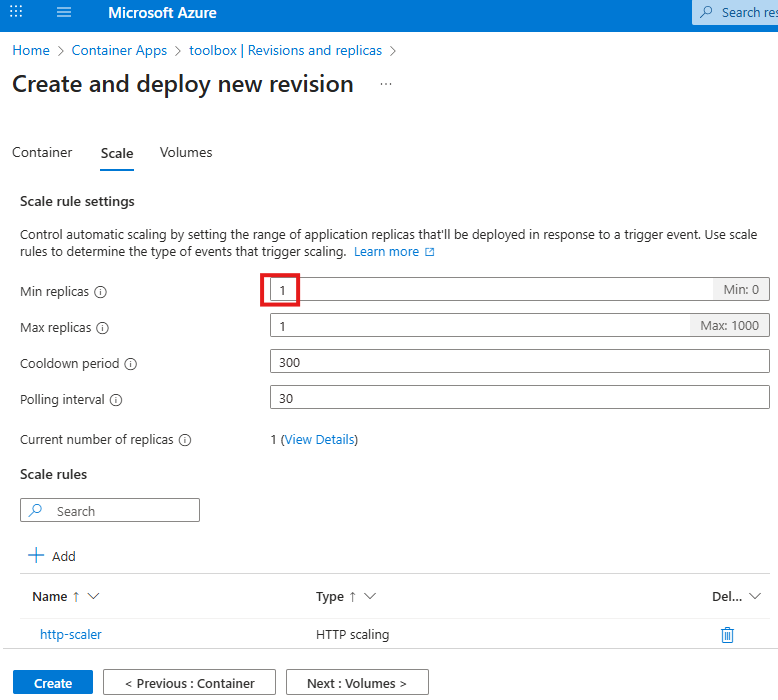
- If you always want to have at least one replica running for immediate availability, select 1 for Min replicas. If volumes are needed for the app, click the Next: Volumes button, otherwise click the Create button
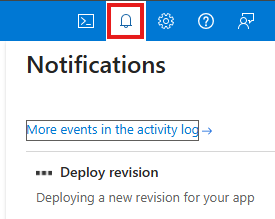
- Click the Notifications button to monitor the progress